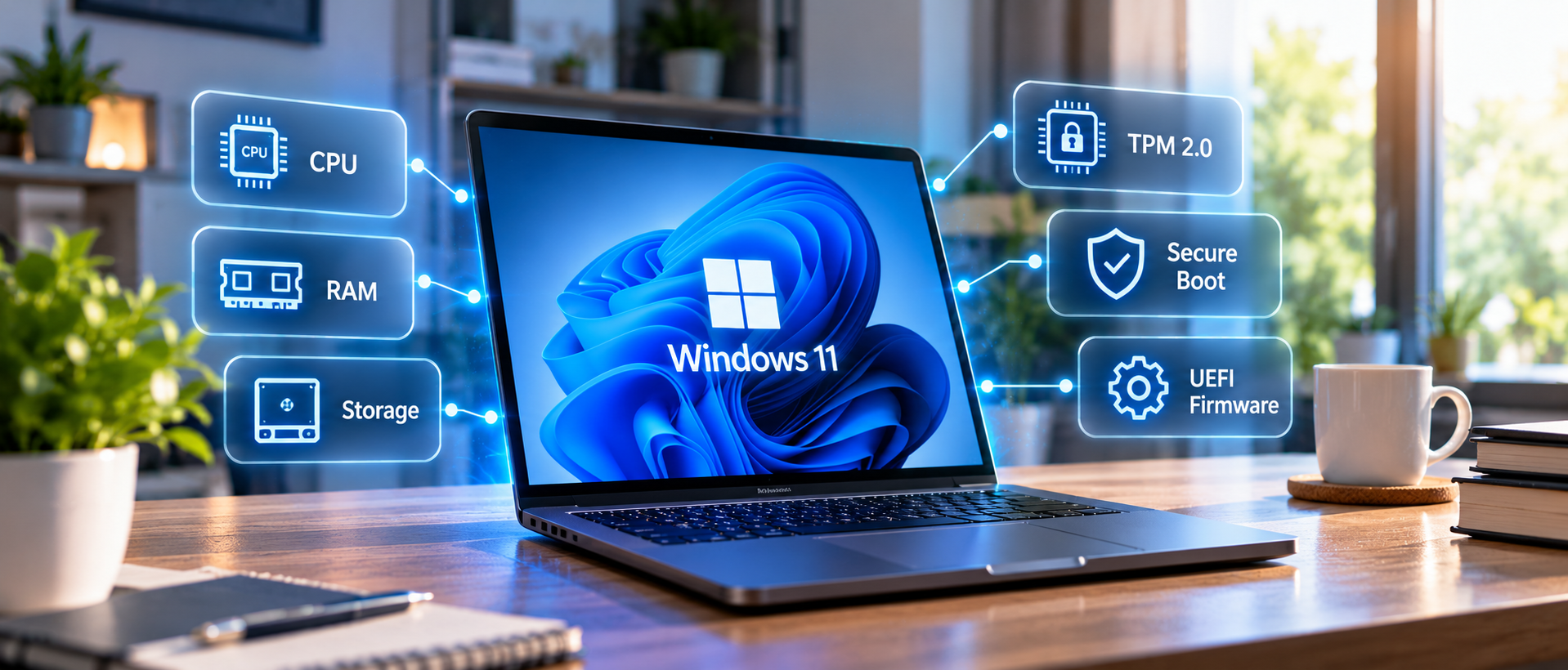
Confused about TPM 2.0 and Secure Boot? We break down the hardware requirements for the latest Windows OS.
What Are the Official Requirements?
Microsoft requires: a 64-bit CPU with at least 1 GHz clock speed and 2 or more cores, 4 GB RAM, 64 GB storage, UEFI firmware with Secure Boot, and TPM version 2.0. The processor must also be on Microsoft's approved CPU list (generally 8th-gen Intel or Ryzen 2000 series and newer).
What Is TPM 2.0?
Trusted Platform Module (TPM) is a security chip that stores encryption keys, certificates, and passwords in hardware. TPM 2.0 enables features like BitLocker, Windows Hello facial recognition, and hardware-backed security attestation. Most motherboards made after 2017 have it built in — it may just need to be enabled in BIOS.
What Is Secure Boot?
Secure Boot prevents unauthorised operating systems and bootloaders from loading at startup. It's a UEFI feature, not a separate chip. You can enable it in your BIOS/UEFI settings. Note: enabling Secure Boot may require converting your disk from MBR to GPT partition style.
My PC Doesn't Meet Requirements — What Now?
If your CPU is on the blocked list, you can still upgrade using a workaround registry edit, but Microsoft warns these machines won't receive future updates. The better long-term solution is a hardware upgrade.
Should You Upgrade?
Windows 10 reaches end-of-life in October 2025, after which it will no longer receive security updates. If your hardware supports Windows 11, upgrading is strongly recommended. If it doesn't, it may be time to consider a new PC or upgrade of key components.
We Can Help
Not sure if your PC is compatible? Bring it in and we'll run the compatibility check, enable TPM and Secure Boot if needed, and handle the upgrade for you — with all your files intact.
Need expert help?
Our team at ControlAltDelete is ready to assist with any device issue.
Book a Repair