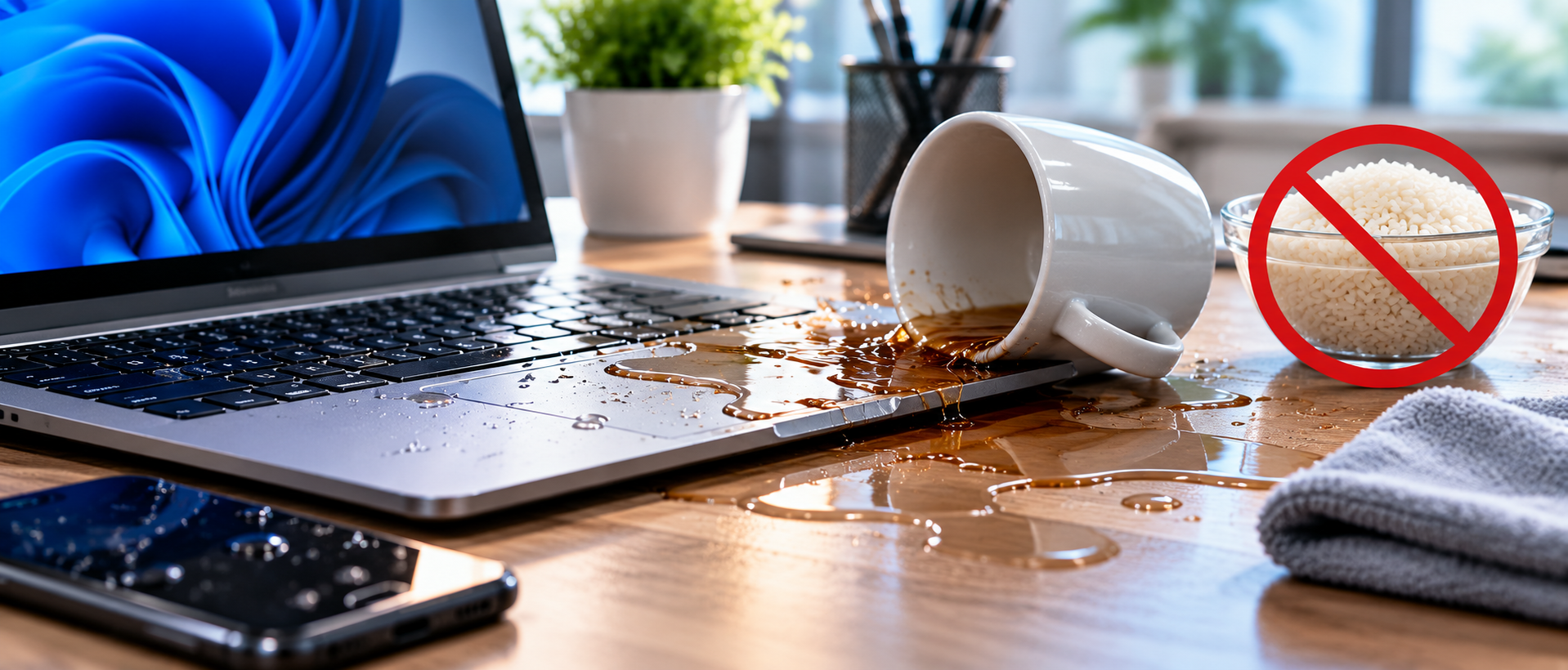
Spilled water on your keyboard? Forget the rice. Here is what you should actually do to save your device from corrosion.
Why Rice Does Not Work
The rice myth has been circulating for over a decade, but it is largely ineffective for electronics. Rice is a poor desiccant compared to silica gel, and more importantly, it does nothing to remove minerals and conductive residues left behind by the liquid — which are the actual cause of corrosion and short circuits.
What Happens When Liquid Enters a Device
Pure water is not very conductive, but tap water, coffee, juice, and soft drinks contain minerals and sugars that are highly conductive. When the device is powered on with liquid inside, these residues create short circuits that permanently damage components.
The Right Steps Immediately After a Spill
1. Power off immediately — do not wait. 2. Remove the battery if possible. 3. Tilt the device to let liquid drain. 4. Do not shake it — this spreads the liquid further. 5. Bring it to a repair shop as soon as possible.
What Professionals Do
A proper liquid damage repair involves disassembling the device, cleaning the logic board with isopropyl alcohol (90%+) using an ultrasonic cleaner, inspecting under magnification for corroded components, and replacing any that have failed.
Time Is Critical
The longer you wait, the more corrosion spreads. A device brought in within a few hours has a much better recovery rate than one left in a bag of rice for three days. If you've had a spill, contact us immediately.
Need expert help?
Our team at ControlAltDelete is ready to assist with any device issue.
Book a Repair