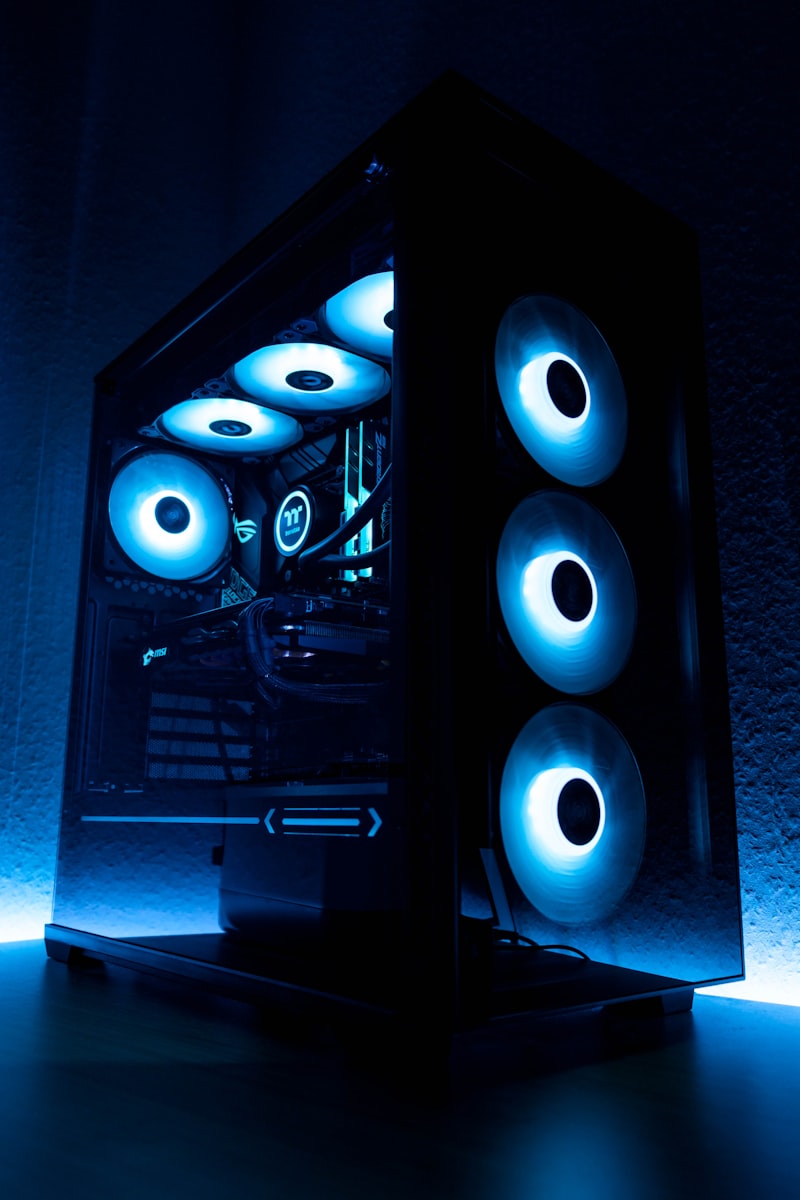
Overheating is a major killer of electronics. Learn simple tips to maximize airflow and keep your gaming rig running frost-free.
Why Overheating Is Dangerous
Modern CPUs and GPUs throttle their performance when they get too hot — a process called thermal throttling. Sustained high temperatures accelerate component degradation and can lead to sudden shutdowns or permanent hardware failure.
Clean Your Dust Filters and Vents
Dust is the number one enemy of airflow. A thick layer of dust on your CPU heatsink or GPU fan acts as an insulating blanket. Clean your PC's filters monthly and open it up for a deep clean with compressed air every 6–12 months.
Check Your Thermal Paste
The thermal paste between your CPU and its heatsink dries out over time, drastically reducing heat transfer. If your CPU is running 10–15°C hotter than usual, dried thermal paste is often the cause. Reapplying fresh paste can drop temperatures dramatically.
Improve Case Airflow
Ensure you have a balanced intake/exhaust fan setup. Ideally: fresh air in from the front and bottom, hot air out from the rear and top. Avoid blocking vents with cables or placing your PC in an enclosed cabinet.
Raise Your Laptop
Laptop vents are usually on the bottom. Using your laptop directly on a soft surface like a bed or sofa blocks airflow completely. Use a hard flat surface or invest in a laptop cooling pad.
Monitor Your Temps
Use free tools like HWMonitor or MSI Afterburner to track your CPU and GPU temperatures. Anything above 90°C under load is a warning sign that needs attention.
Need expert help?
Our team at ControlAltDelete is ready to assist with any device issue.
Book a Repair