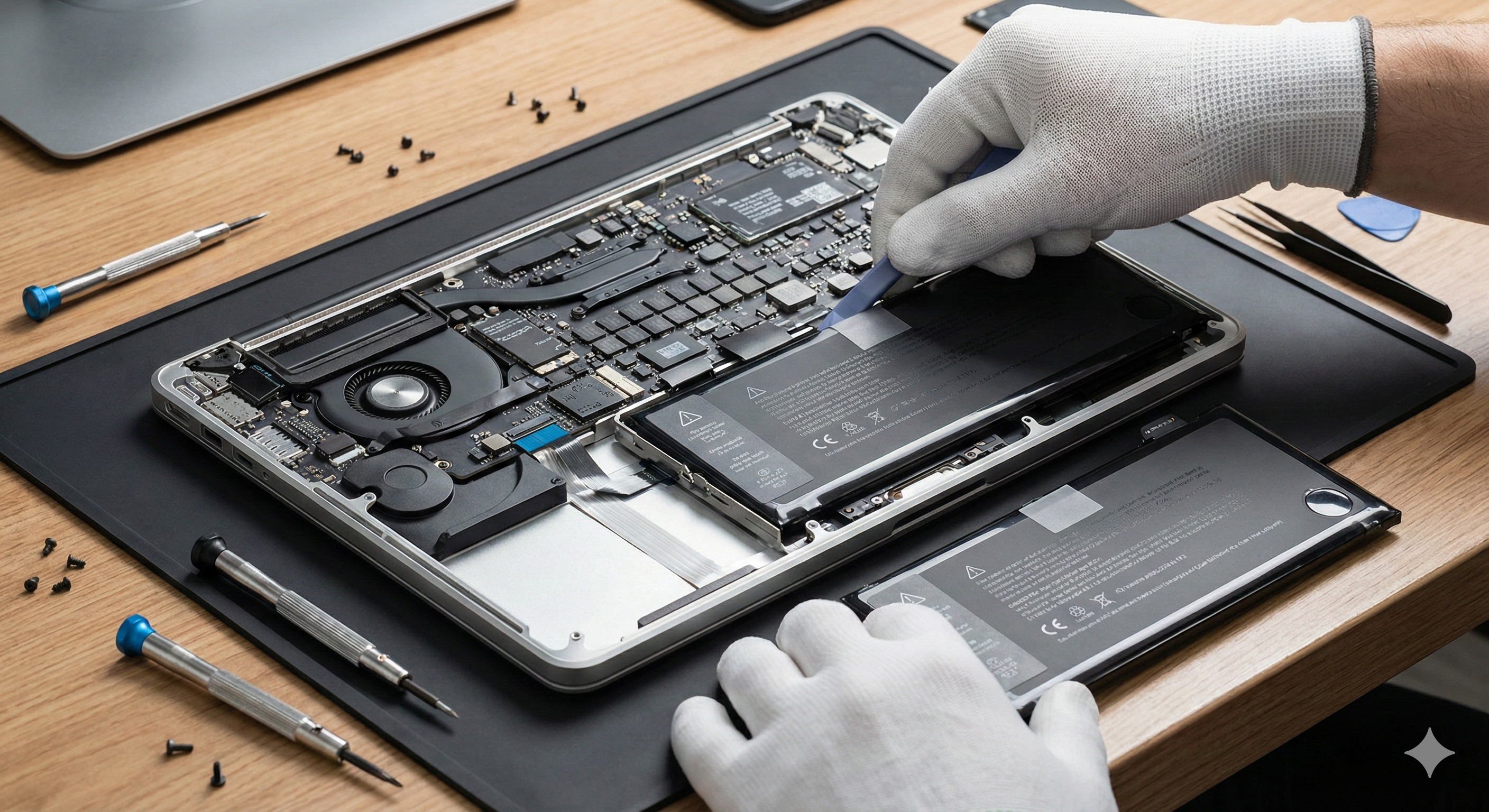
Is your laptop dying after just an hour? Here are the tell-tale signs that it's time to swap out your battery for a fresh one.
1. Dramatically Reduced Battery Life
If your laptop used to last 6–8 hours on a full charge but now dies within 1–2 hours, your battery's capacity has degraded significantly. Lithium-ion batteries naturally lose capacity after 300–500 charge cycles. Check your battery health in Windows Settings > System > Battery or run 'powercfg /batteryreport' in Command Prompt for a detailed report.
2. The Laptop Only Works When Plugged In
If removing the charger causes an immediate shutdown, your battery is no longer holding any charge at all. This is one of the clearest indicators that a replacement is overdue.
3. Swollen or Bulging Battery
A physically swollen battery is a safety hazard. You may notice the laptop's bottom cover warping or the trackpad becoming hard to click. Stop using the device immediately and bring it in for a replacement — a swollen battery can rupture or catch fire.
4. Overheating During Light Tasks
A failing battery forces your laptop to draw more power erratically, making the device run hotter than usual even when you're just browsing the web. If your fan is constantly running at full speed during light usage, the battery could be the culprit.
5. Battery Percentage Jumps Erratically
If your battery shows 60% and then drops to 10% a few minutes later — or charges to 100% in an unusually short time — the battery's internal sensors are failing. This makes it impossible to gauge remaining charge accurately.
When to Get It Replaced
If you're experiencing two or more of these signs, it's time for a battery replacement. At ControlAltDelete, we source genuine and high-quality compatible batteries for all major laptop brands and can have your device ready the same day in most cases.
Need expert help?
Our team at ControlAltDelete is ready to assist with any device issue.
Book a Repair